 wedding ss
Plan
A checklist by period, budget by category, vendors, payments and reminders. Ready-made for your tradition.
Checklist, budget, guest list, invitations, your wedding website and a QR guest album, all in one planner. And when you want to see it before you choose, try it on.
Free planner. Your guest list is yours and is never sold.
A checklist by period, budget by category, vendors, payments and reminders. Ready-made for your tradition.
Try the dress or suit, hair and makeup and venue decor on screen before you commit. AI tools that use credits.
Save the dates, invitations, menus, table cards and more in matching collections, as print-ready PDF or to share.
Guest list, RSVP, meal choices, seating plan and personal invitation links. Import only the contacts you pick.
A day-of timeline you can share, a bag checklist, and a QR guest album with a live slideshow.
Guest photos, videos and voice messages in one album, a memory book, thank-you cards and your anniversary.
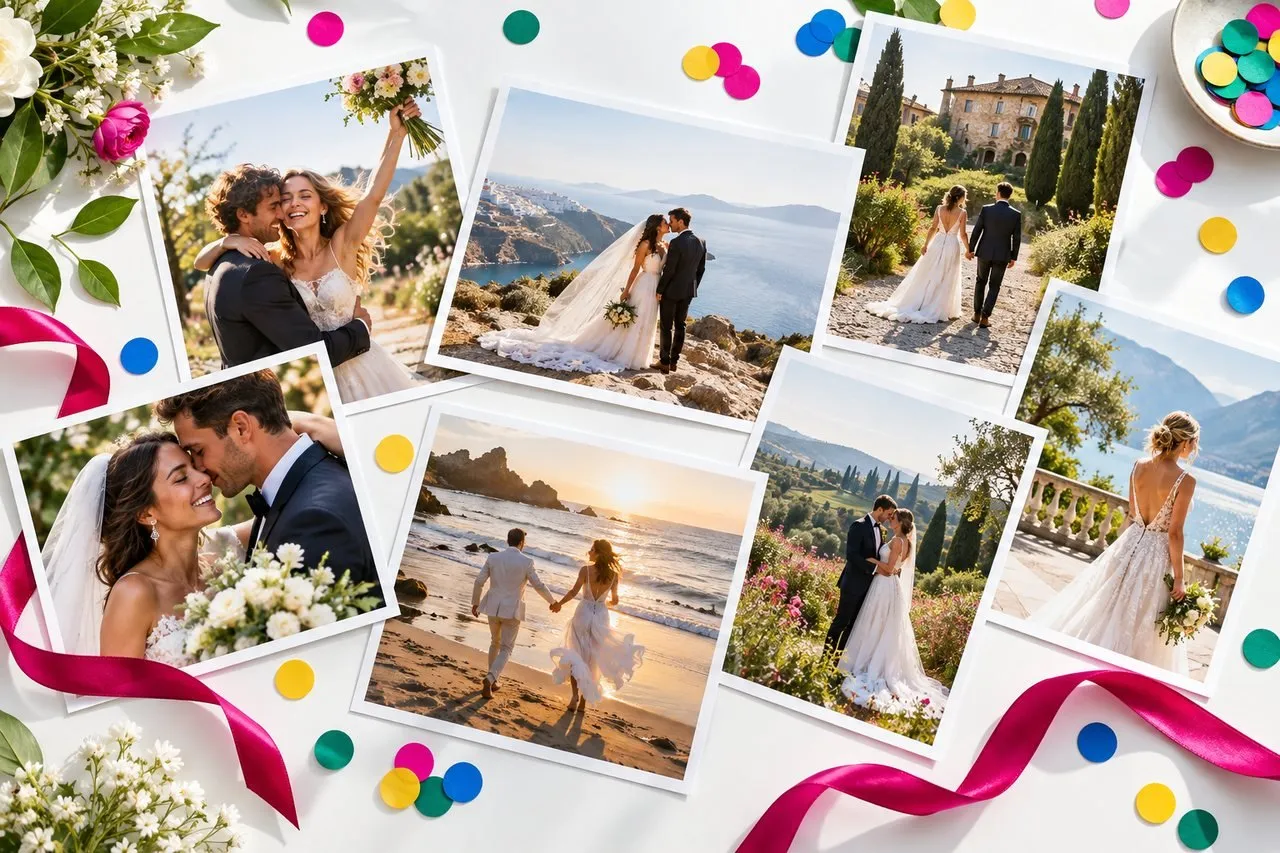
Try outfits, hair, venue decoration and photo shoot concepts with AI tools. Here, one portrait becomes a shoot concept to show your photographer. Faces stay yours, and each action shows its credit cost first.


A wedding website in your colours with your story, schedule, venue map and an RSVP form. Send each guest a personal link and see every reply in the app.
Wedding pages are private links and are not listed in search engines.
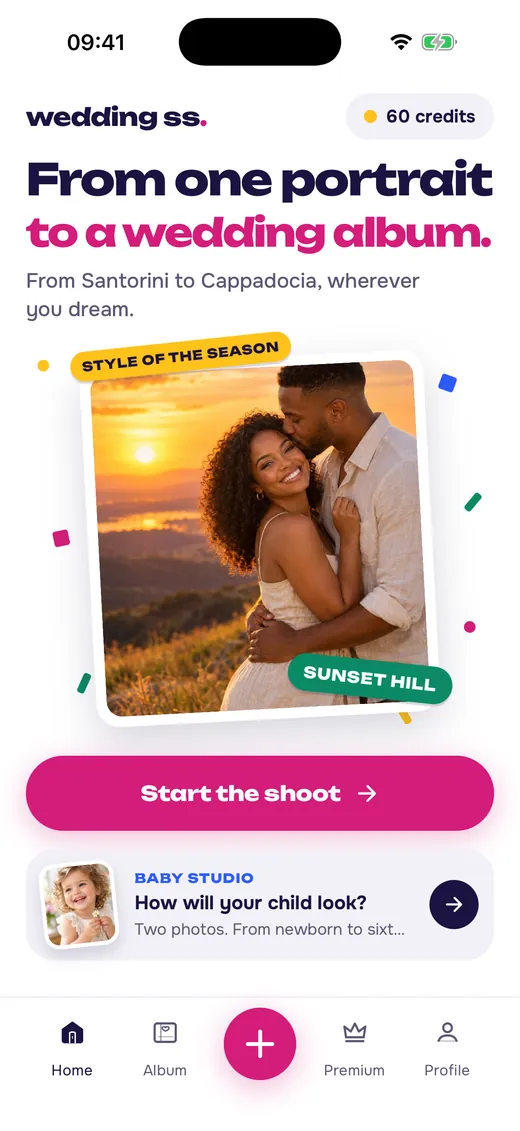
Names, date, city and tradition. Your checklist, budget and wedding identity are ready in a minute.
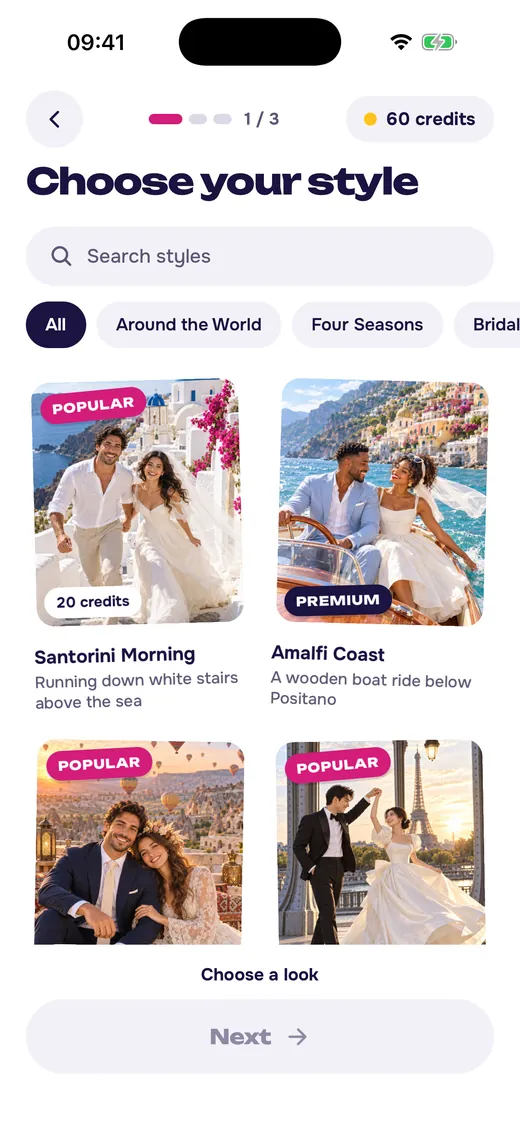
Tick off tasks, track costs, build the guest list and send personal invitation links.
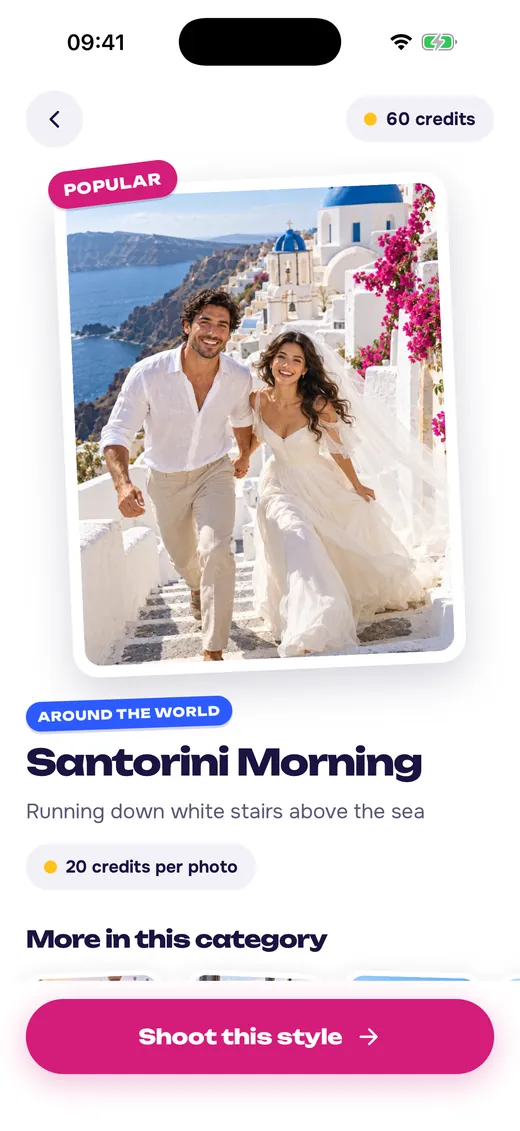
Share the timeline, collect guest photos with a QR code and keep every memory.
You decide what to enter. We process it for you and never use it for ads.
Guest uploads pass an automatic safety check. You can hide, delete and report anything.
Guest uploads are deleted 12 months after the wedding. Delete your account any time.
Photos go to AI tools only after your consent, with the permission of the people shown, and never for training.
The planner is free: checklist, budget, guest list, a basic wedding website with RSVP and the day-of timeline. Premium adds print-ready invitations, more collections, unlimited QR album uploads and monthly credits. AI tools use credits, and the cost is shown before each action.
Yes. Invite your partner with a code and you both see and edit the same wedding. Both of you need an account.
No. Guests open your wedding website, answer the RSVP and upload photos from any browser.
Uploads are checked automatically and you can hide or delete any of them. They are deleted 12 months after the wedding date unless you choose another period.
They are optional. Try on a dress, hair or venue decor, enhance photos and more. Photos of people are used only with their permission and never to train AI.
Yes. Pick a tradition when you set up and the checklist and budget categories adapt. The app speaks English, Turkish, German, French, Spanish, Italian, Portuguese, Russian and Arabic.
Yes. The planner, guest list and day-of timeline open and can be edited offline, and sync when you are back online.
Wedding Shot Studio is coming soon to the App Store and Google Play.
A realistic hour-by-hour schedule for a late-afternoon ceremony, built backwards from the ceremony time with buffers, so the day feels unhurried.
From the first rough list to the final seating chart: how to invite fairly, collect replies on time and keep every guest detail in one place.
How do AI wedding photos work, which photo should you upload, and how do you pick a style and destination? A practical guide to realistic results and privacy.
Be among the first couples when we launch.
 Scan to get the appPoint your phone's camera at the code.