 wedding ss
AI Wedding Photos: The Complete Guide to Realistic Results
How do AI wedding photos work, which photo should you upload, and how do you pick a style and destination? A practical guide to realistic results and privacy.
In this article
- What are AI wedding photos and how do they work?
- Which photo should you upload?
- One photo together or two separate portraits?
- Choosing a style that tells your story
- Match the style to your personality
- Choosing a destination for your dream shoot
- Season and light
- Tips for realistic AI wedding photos
- Common mistakes to avoid
- Privacy: where are your photos stored?
- Does AI replace a real wedding photographer?
- How to share references with your photographer
- Ready to try it?
AI wedding photos let you see yourselves as bride and groom from a single portrait, in places and styles you might never get to visit. A Santorini morning, balloons over Cappadocia or a candlelit first dance are now a few taps away. This guide explains how the technology works, which photo to upload and how to get results that actually look like you.
What are AI wedding photos and how do they work?
The process is simpler than it sounds. You upload a photo, and the AI studies your faces: your features, proportions and skin tone. It then builds a brand new scene around you, based on the style you choose.
The dress, the suit, the light, the background and the composition all come with that scene. The key point is that the model does not cut and paste your photo onto a backdrop. It recreates the whole image using your face as a reference. That is why light, shadows and colors match, and why a good result does not look like a collage.
With Wedding Shot Studio the flow has three steps. You can also see them in the how it works section:
- Upload your photo. One photo of the two of you, or one portrait of each partner, is enough.
- Pick a style. Choose from about 40 styles, from world destinations to bridal portraits.
- Get your results. In about a minute, your wedding photos land in your private album.
That speed makes experimenting easy. If a style is not quite right, switching to another style or another photo takes only a few minutes. You can line up several options side by side before you decide anything.
Which photo should you upload?
The photo you upload has the biggest impact on quality. The AI only knows you from what it can see. If your face is unclear, the model has to guess the missing details, and the likeness drops.
A good source photo has these qualities:
- Faces are sharp and in focus, with no motion blur.
- You look at the camera from the front or at a slight angle. Full profiles are harder.
- The light is soft and even, like daylight or window light.
- No sunglasses, hats or hair covering the face.
- No beauty filters, so skin texture looks natural.
- The photo is recent and shows how you look today.
- No other people in the frame, or only far in the background.
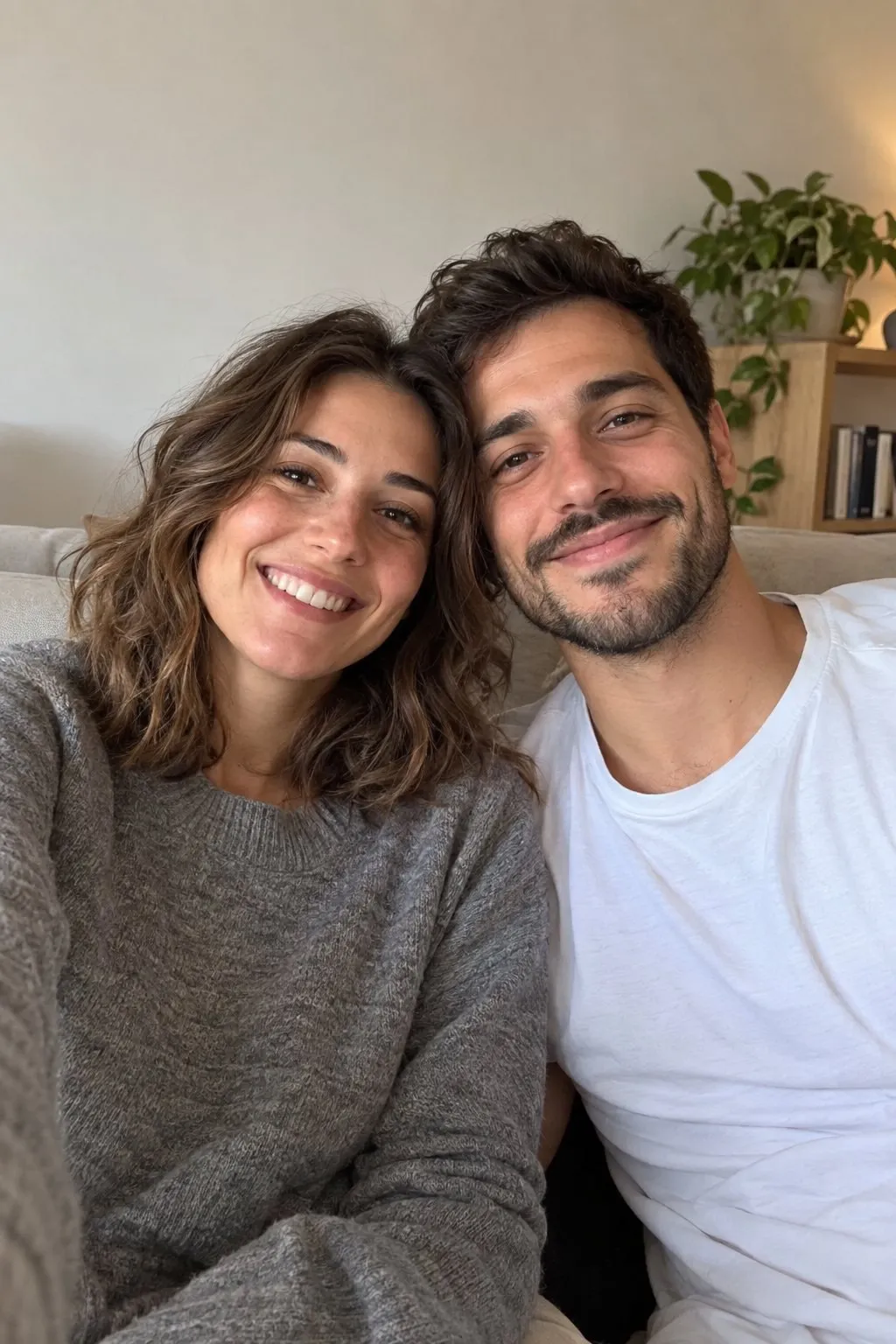
An everyday shot like the one above is usually enough. You do not need an expensive camera or a studio. A phone photo taken in daylight, at eye level, often gives the best results.
One photo together or two separate portraits?
If both of your faces are sharp and close to the camera in the same frame, one photo works well. If one of you is in shadow or standing further back, upload a separate portrait for each partner instead.
With separate portraits, try to match the lighting. A night shot with flash next to a midday photo in harsh sun can blend less naturally. If you can, take both on the same day in front of the same window.
Choosing a style that tells your story
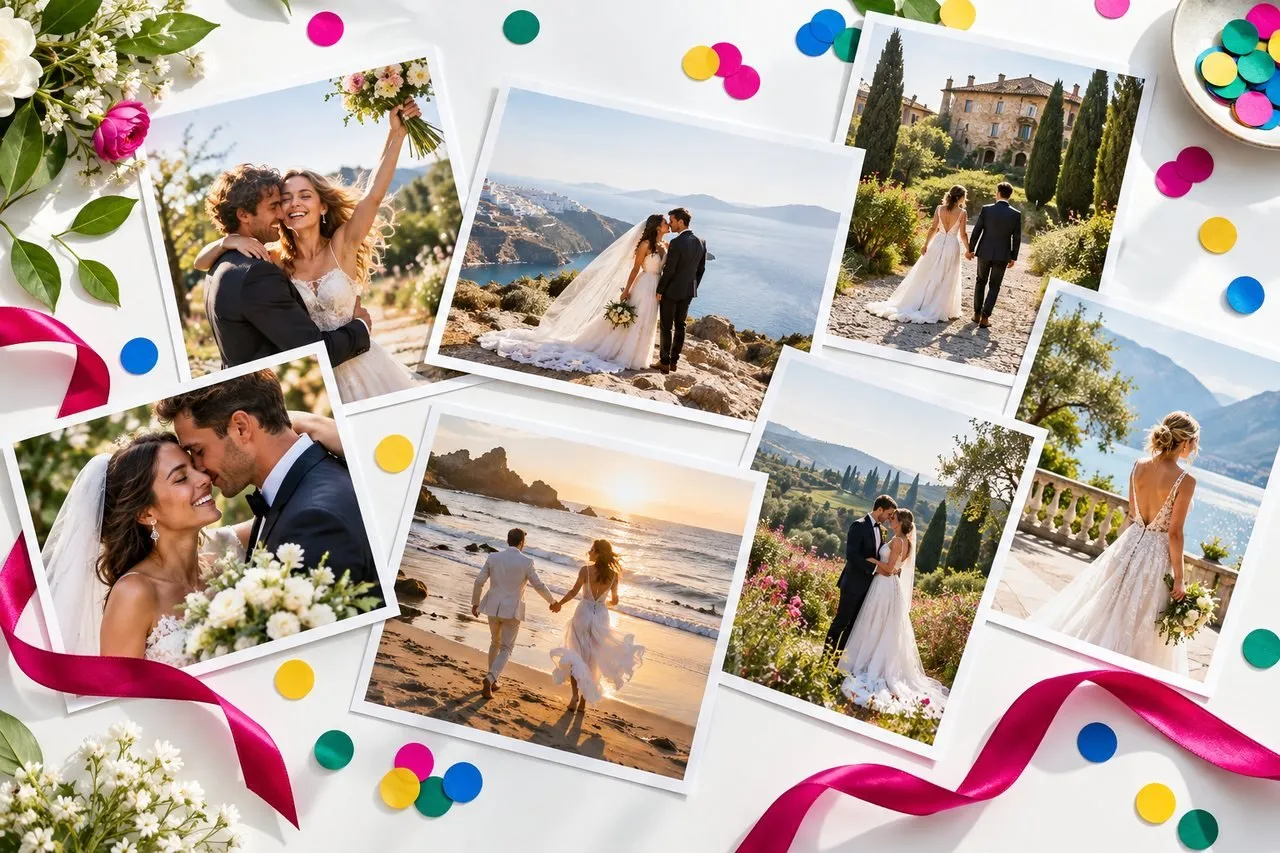
The style sets the mood and the story of each image. Wedding Shot Studio groups about 40 styles into seven collections. You can browse all of them in the style gallery. A few examples:
- Around the world: Santorini Morning, Amalfi Coast, Cappadocia Balloons, Paris Streets, Kyoto Spring, Maldives.
- Four seasons: Rose Arch, Daisy Meadow, Seaside, Lavender Field, Autumn Leaves, Winter Tale.
- Bride and groom portraits: Morning Window, Magnolia, Veil in the Wind, Fashion Editorial, Black and White, Classic Suit, Vespa Ride.
- Engagement and proposal: Proposal, Ring Moment, Coffee Date, Picnic, Balloon Bouquet, Sunset Hill.
- Traditions and celebration: Henna Night, Civil Ceremony, Tea Ceremony, Handfasting, Confetti Exit, First Dance, Cake Cutting.
Start with your goal. Are these images for an invitation, for social media, or as inspiration for a real shoot? Invitations suit simple, timeless frames. Social media rewards color and scenes that tell a story.
Match the style to your personality
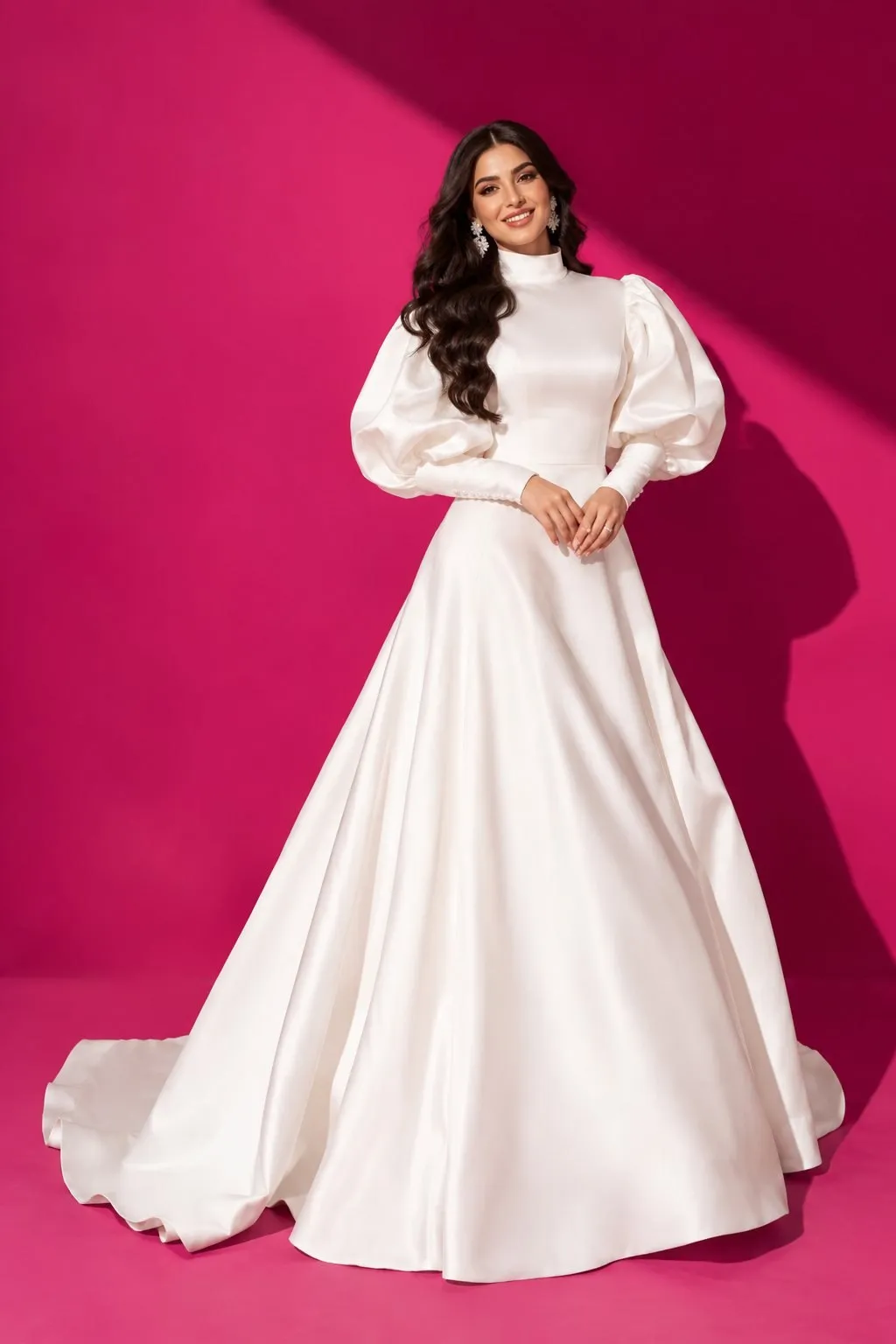
If you are a calm, romantic couple, Lavender Field or Morning Window may feel right. If you are playful and full of energy, Confetti Exit, Photo Booth or Vespa Ride will probably suit you better. Tradition styles like Henna Night, Tea Ceremony or Handfasting create meaningful images to share with family.
Still undecided? Try one style from two different collections with the same photo. Put the results side by side and you will quickly see which one feels more like you.
Choosing a destination for your dream shoot
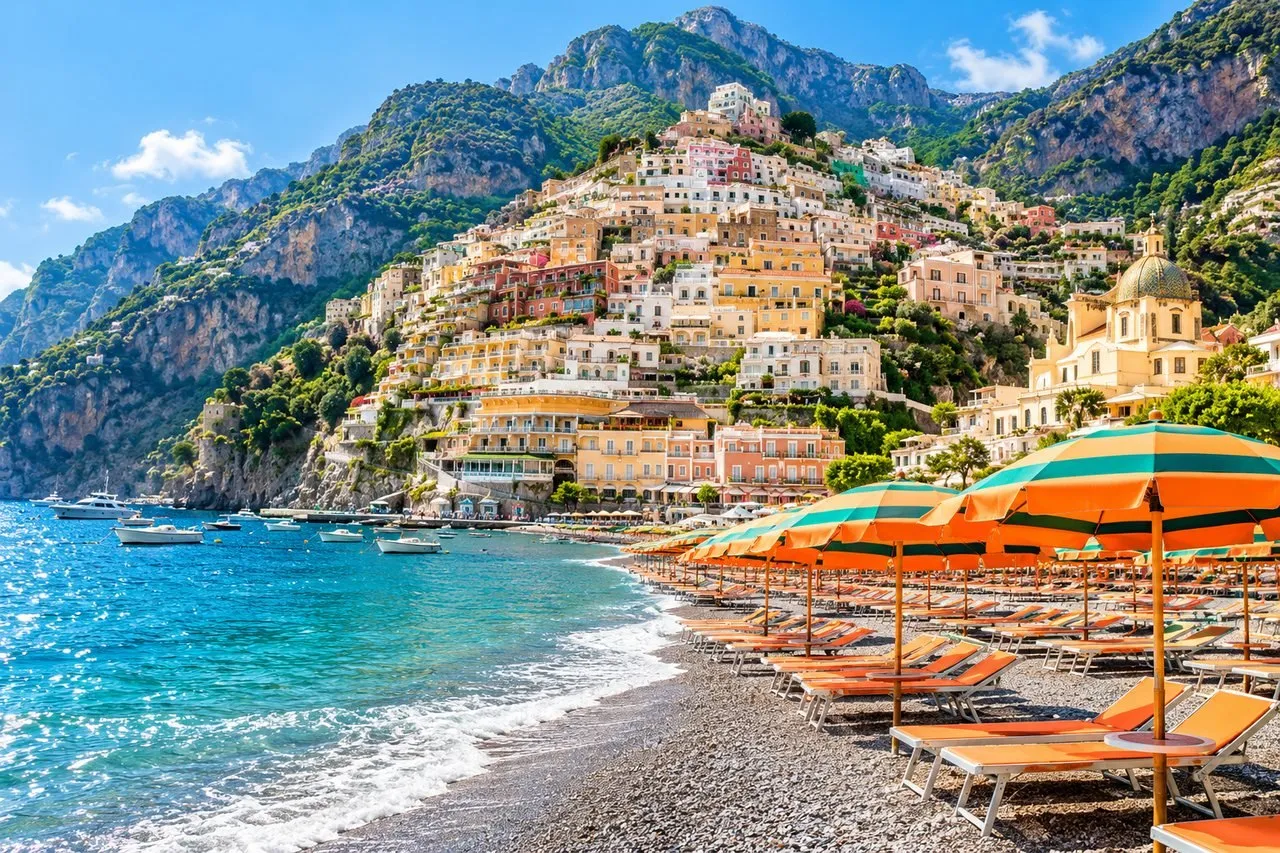
The most fun part of AI is that it can place you in places you cannot easily travel to. Destinations featured on the site include Santorini, Paris, Cappadocia, Lake Como, Amalfi, Venice, Tuscany, Rome, Istanbul, the Swiss Alps, Dubai and New York.
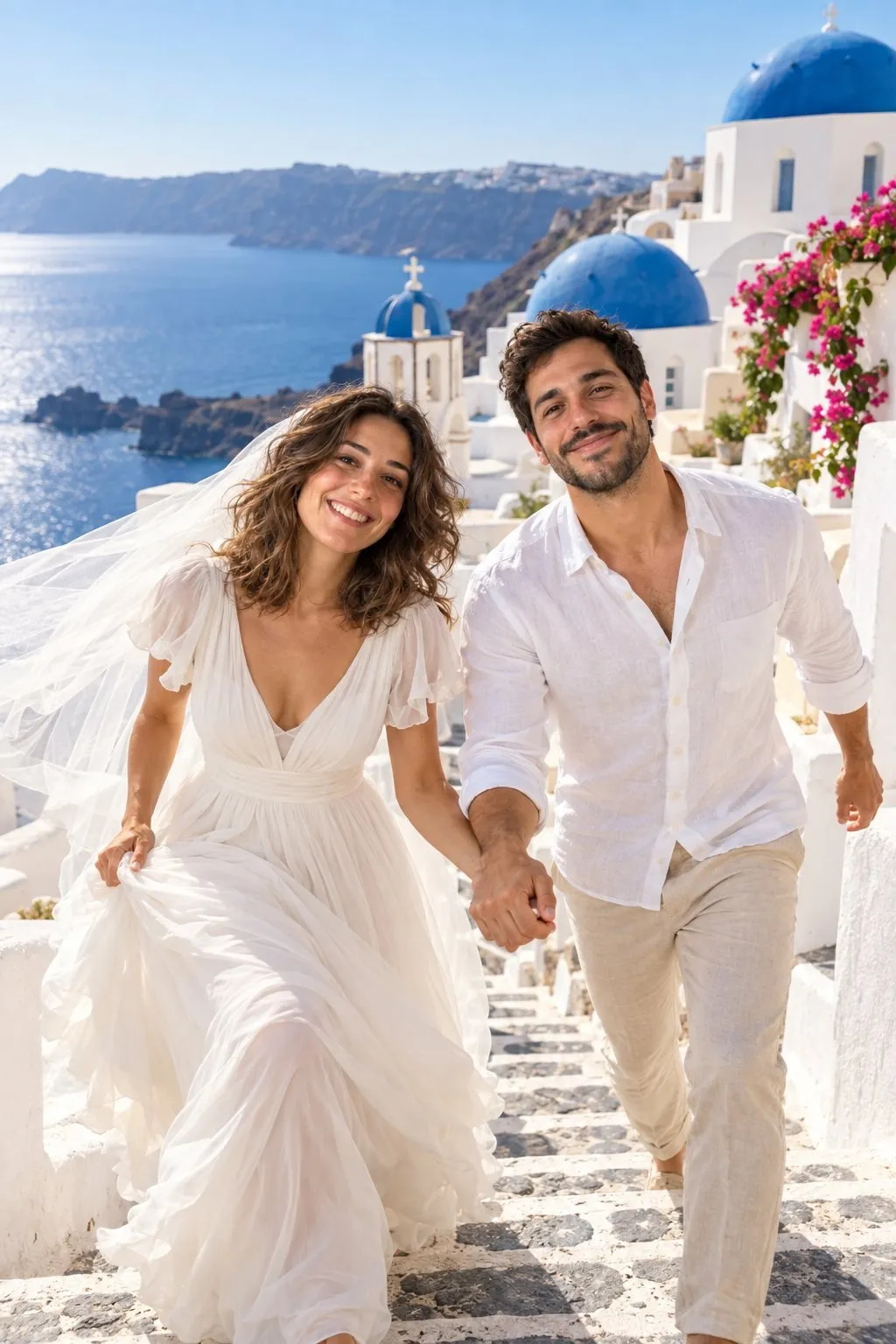
Think about the color palette when you choose. Santorini gives bright, airy frames with white walls and blue domes. Cappadocia brings warm, golden tones with its sunrise balloons. Paris feels more classic, with stone facades and café streets.
Outfit colors can follow the destination too. A navy suit next to a white gown echoes the blues of Santorini. In the earthy tones of Cappadocia, a beige or light gray suit looks softer.
Season and light
Consider the season as well as the place. Four seasons styles like Autumn Leaves or Winter Tale can echo the month of your real wedding. That way, an image you use on your invitation also matches your actual date.
Light matters as much as location. Morning scenes look airy and pastel, while evening scenes look warmer and more dramatic. The closer your source photo's light is to that mood, the more natural the result.
If you are planning a real destination shoot, AI works as a preview. You can see which city suits you best before you book anything. For more ideas about the island, read our Santorini wedding photo guide.
Tips for realistic AI wedding photos
The same style can give very different results with different source photos. These steps make a clear difference in realism:
- Try more than one photo. If the first result is not right, try again with a different portrait.
- Match the light to the scene. For sunset styles, a photo taken in warm light looks more natural.
- Watch your expression. A soft smile fits most styles. Exaggerated expressions can look artificial in a formal scene.
- Keep hair and makeup close to your real plan. If you will wear your hair up on the day, a photo with your hair up gives a more honest preview.
- Check the details up close. Hands, rings and any text are where AI struggles most. Pick the frames where these look clean.
Practical tip: Take your source photo facing a window, with the phone at eye level. Golden hour, roughly the first hour after sunrise and the last hour before sunset, gives faces the softest light.
For pose ideas, see our wedding pose ideas, and for help taking a strong source portrait, read our portrait photo tips.
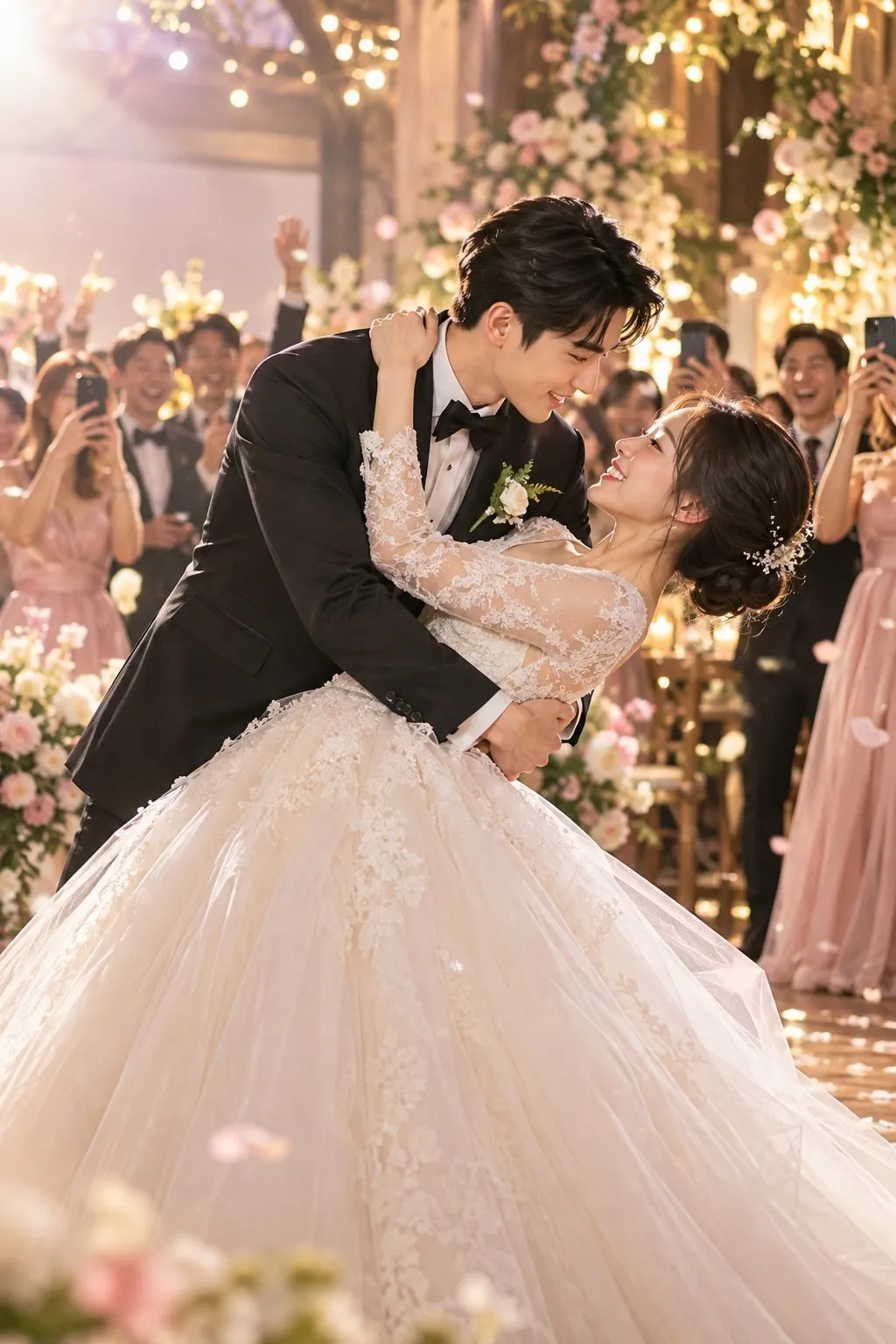
Common mistakes to avoid
The most common mistake is using an old, low resolution photo. Images saved from messaging apps are usually compressed and lose facial detail. Upload the original file whenever you can.
The second is choosing a heavily filtered photo. Filters smooth out your features, and the AI treats that edited version as your real face. The result may look like someone who resembles you, but not quite you.
Privacy: where are your photos stored?
It is natural to ask about privacy before uploading a photo of your face. In Wedding Shot Studio, results are saved to your private album and photos are stored privately.
You stay in control. You can download, share or delete any image you create. You can also delete your account entirely whenever you want.
One ethical note: only upload photos of yourself and a partner who has agreed to it. Using someone else's photo without their knowledge is not right, no matter how secure an app is.
Does AI replace a real wedding photographer?
The short answer is no. On your wedding day, only a photographer can capture your mother's tears, your friends' laughter and the real light of that afternoon. AI cannot know those moments, because it was not there.
AI wedding photos complement that process. They are genuinely useful when you want to:
- See which styles and colors suit you before the real shoot.
- Show your photographer concrete reference images.
- Create a quick visual for a save the date card or invitation.
- Make a dreamy anniversary image in a city you cannot visit.
- See the big wedding you dreamed of, if you chose a small civil ceremony.
How to share references with your photographer
Pick a few favorite images and show them at your first meeting. It is much easier than describing light, color and poses in words. Your photographer can then suggest the right time of day and location to get a similar feel.
Set expectations honestly. Reference images point in a direction, they are not templates to copy frame by frame. The real day brings its own surprises, and the best photos often come from unplanned moments.
If you want to keep some of these images next to your real photos, our wedding album guide will help you put it all together.
Ready to try it?
To sum up, the secret to a good result is simple: a sharp, recent photo, a style that fits your goal and realistic expectations. AI wedding photos are a fast, fun way to see the images you have been imagining.
If you would like to try the ideas in this guide, start with a single portrait in Wedding Shot Studio. Choose a style, wait about a minute and see your dream wedding frame with your own eyes.
Frequently asked questions
What kind of photo works best for AI wedding photos?
A recent, sharp photo taken from the front in soft daylight works best. Sunglasses, heavy filters and crowded frames reduce the likeness.
How long does it take to create AI wedding photos?
In Wedding Shot Studio, results are ready in about a minute after you upload your photo and choose a style.
Can I use two separate photos instead of one couple photo?
Yes. You can upload one photo of the two of you or one portrait of each partner. Similar lighting in both portraits gives a more consistent result.
Are my uploaded photos private?
Photos are stored privately and results are saved to your private album. You can delete images at any time and delete your account entirely.
Can AI replace a wedding photographer?
No. AI is a great way to try ideas, plan and see places you cannot travel to, but a photographer captures the real moments of your wedding day.
Try these ideas with your own photo.
Upload one portrait of the two of you and get your wedding album in about a minute.
 Scan to get the appPoint your phone's camera at the code.
Keep reading
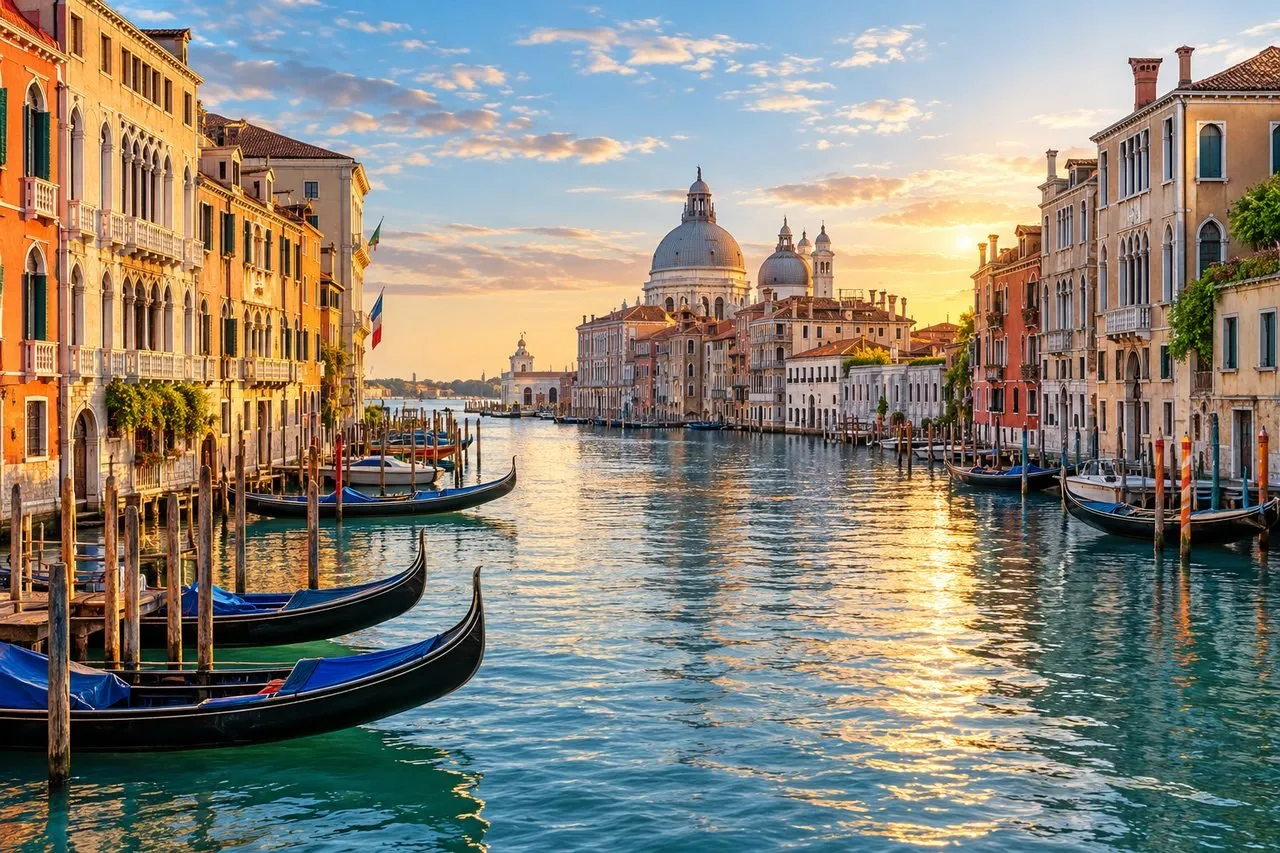
How to Make a Wedding Album That Tells Your Story
A practical guide on how to make a wedding album: how many photos to pick, how to build the story, layout and pacing, black and white, covers, backups and creative AI extras.
AI Photo Tips: How to Take the Right Portrait for Wedding Photos
The portrait you upload decides how good your AI wedding photos look. Learn the light, framing, expression and phone settings that give the most natural, true-to-life results.
Wedding Photo Locations: 12 Most Romantic Places on Earth
From Santorini to New York, the 12 most romantic wedding photo locations, with the best spot, light, season and outfit for each, plus a handy comparison table.