 wedding ss
AI Baby Generator: What Will Our Baby Look Like?
Curious what your future baby might look like? Here is how an AI baby generator imagines a little one from two parents' photos, which pictures work best, and why the result is play, not prediction.
In this article
- How an AI baby generator imagines your baby
- How it works, step by step
- Which photos to use for the best result
- Common mistakes to avoid
- Genetics are unpredictable: this is a playful image, not a prediction
- Traits come from both parents, in a mixed way
- Some traits skip a generation
- Babies change as they grow
- Fun ways to use your imagined baby portrait
- A gender reveal party game
- An anniversary surprise
- A keepsake for the family album
- More small ideas
- Privacy: your photos stay yours
- Ethical, respectful use: both partners say yes
- Enjoy the dreaming together
Sooner or later, many couples ask the same sweet question: what will our baby look like? An AI baby generator turns that curiosity into a picture. The baby studio in Wedding Shot Studio uses both parents' photos to imagine a possible baby portrait, and this guide shows you how to get a lovely result and enjoy it the right way.
How an AI baby generator imagines your baby
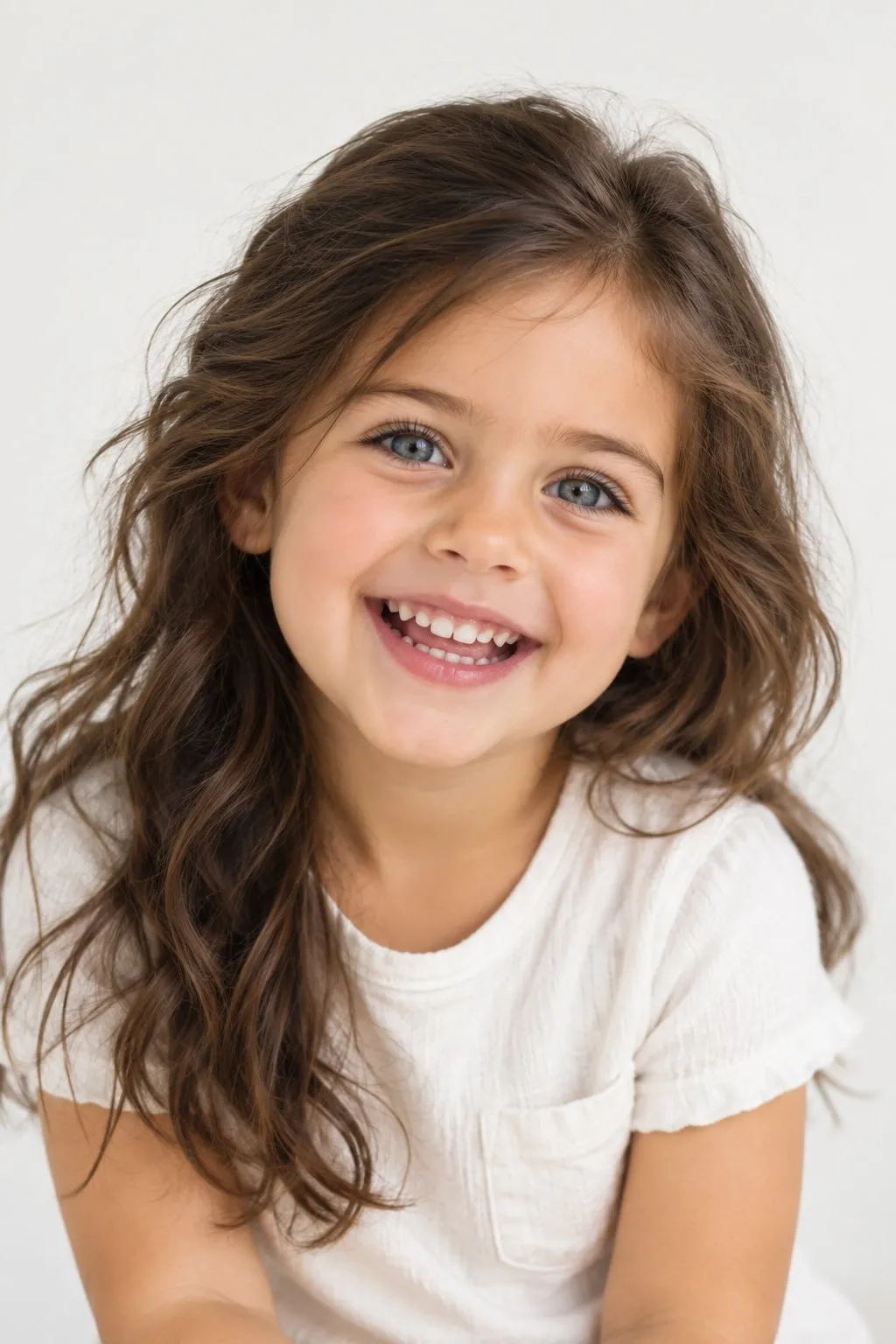
The baby studio looks at the visible features in the parents' photos. Think eye shape, hair tone, skin tone and the overall structure of each face. It then blends those cues into a brand new baby face that never existed before.
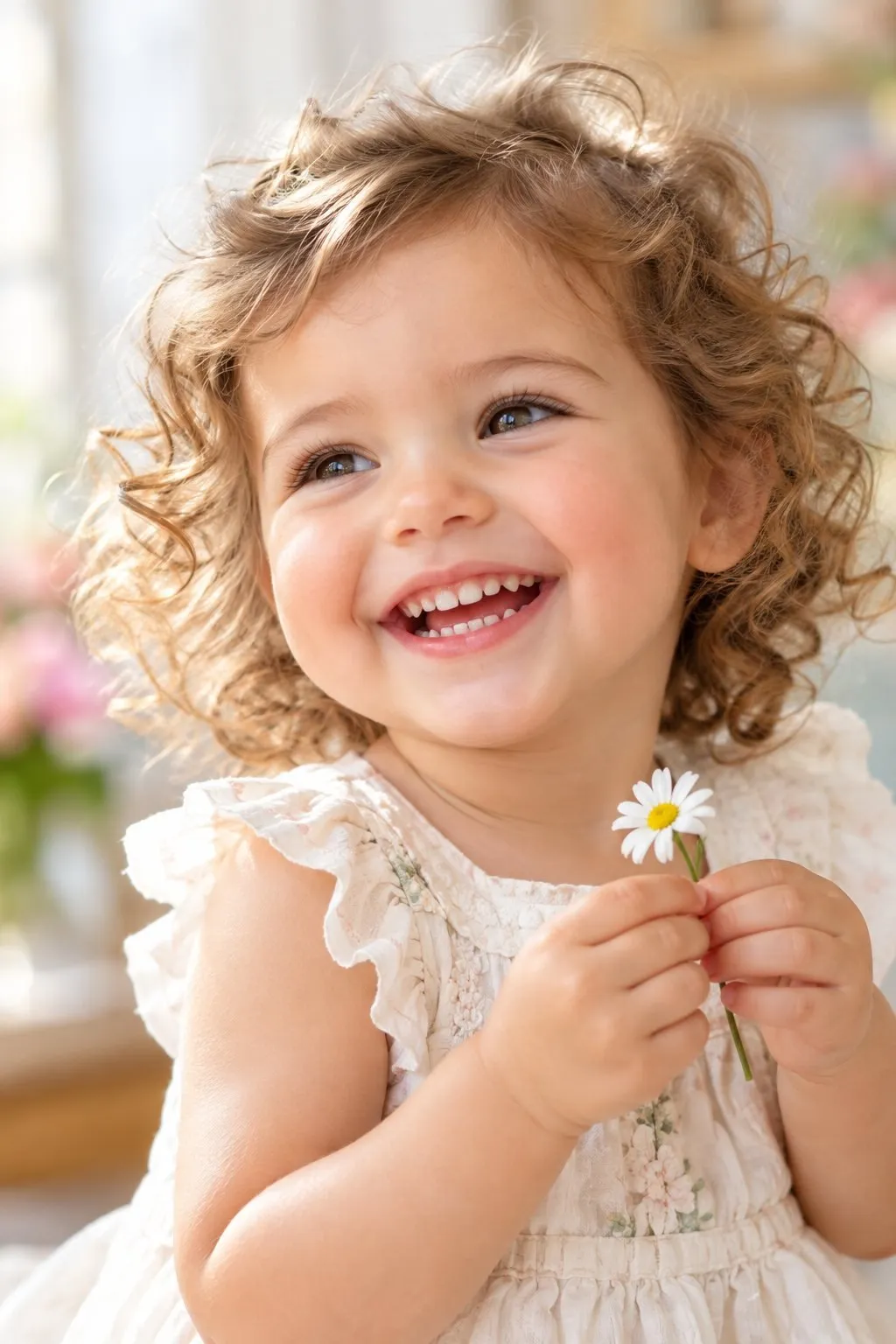
The result can look like a page from a family album, yet it is not a photo of a real child. It is the AI's creative answer to a playful question: if a baby had these two faces as inspiration, how might it look? That is why it works best as a game, a conversation starter and a keepsake.
Wedding Shot Studio was built to create wedding photos from a couple's portrait. If that side of the app interests you, our guide to AI wedding photos explains it in detail. The baby studio is a warmer, family focused use of the same idea.
How it works, step by step
- Open the baby studio section in the app.
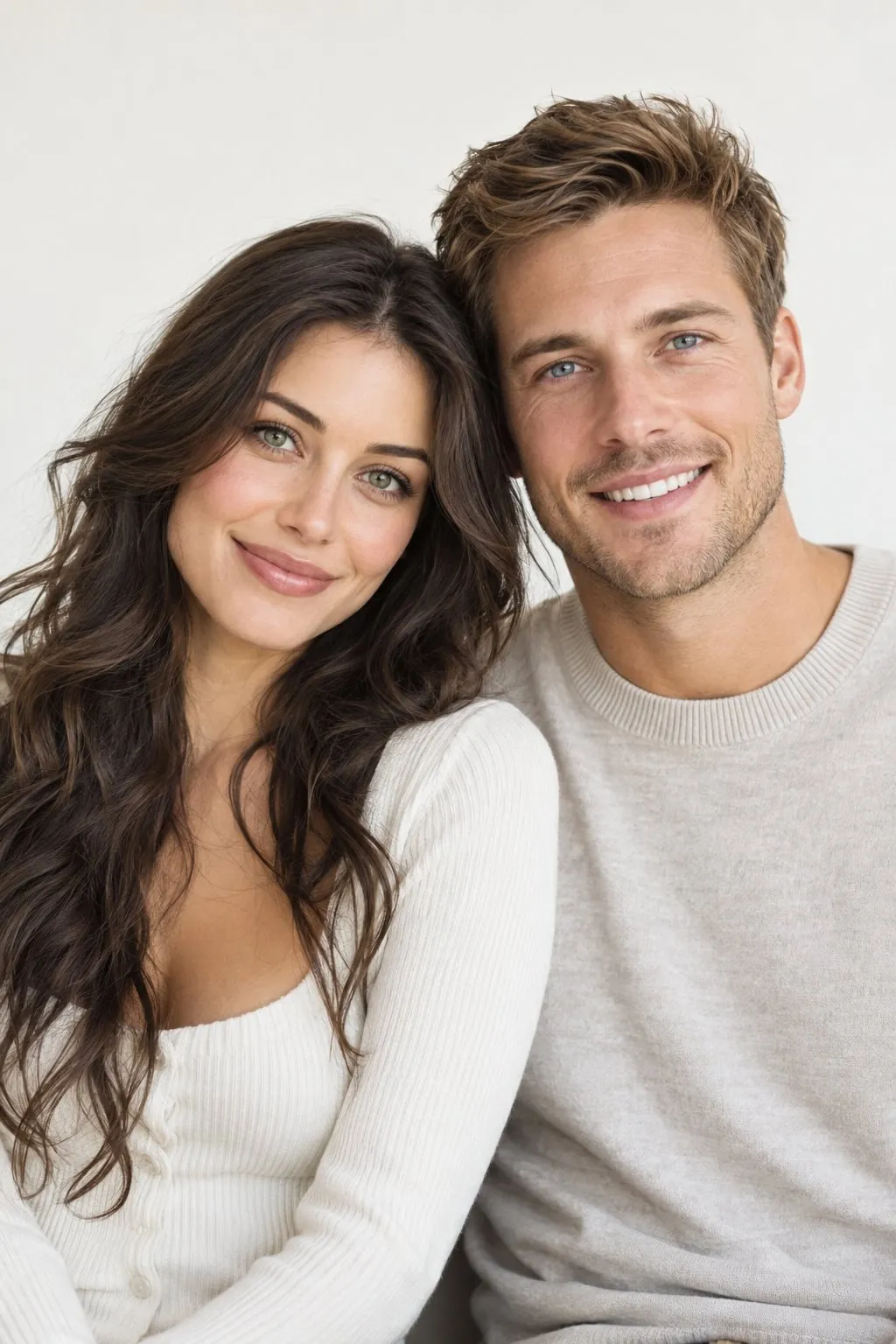
- Upload the parents' photos: one clear picture of the two of you, or a separate portrait of each partner.
- Wait a short moment while the AI works on the images.
- Look at the baby portrait in your private album, then download or share the ones you love.
For a quick visual overview, see the how it works section and the baby studio on our home page. Both sum up the process in a few images.
Which photos to use for the best result
AI can only work with what you give it. The clearer the faces, the better the baby portrait reflects both parents. A few simple rules make a visible difference when you use an AI baby generator.
- Faces toward the camera: Front facing or slightly angled portraits work best. Profile shots hide half of the face.
- Natural light: Daylight near a window shows skin tone accurately. Avoid harsh flash and colored party lights.
- No filters: Beauty filters smooth the skin and change eye color and face proportions. An unfiltered photo gives a more natural result.
- Nothing covering the face: Skip sunglasses, hats, hands or hair across the face. If you wear glasses, choose a shot without reflections on the lenses.
- Good resolution: Use the original photo from your camera roll, not a screenshot or a compressed chat image.
- Similar time period: Recent photos of both parents help the AI treat both faces in a balanced way.
A simple background helps too. A portrait in front of a plain wall keeps the focus on the faces, while a busy dinner table distracts. A soft, relaxed smile usually works better than a big laugh or a funny face.
Want more ideas for a great portrait? Our portrait photo tips cover light, angles and posing in a practical way.
Practical tip: Take both photos in the late afternoon, about an hour before sunset, facing a window. That soft light reduces harsh shadows and keeps skin tones natural. Shooting both partners in the same light and from the same distance makes the result more balanced.
Common mistakes to avoid
The most common mistake is mixing a photo from ten years ago with one from last week. Another is cropping tiny, blurry faces out of a group photo. Heavy makeup or costume party shots can also hide the real shape of a face.
Feel free to try more than once. Different photo pairs will give slightly different portraits each time. That variety is actually a nice reminder of how full of surprises real genetics are.
Genetics are unpredictable: this is a playful image, not a prediction
We want to be very clear here. The image from the baby studio is not a genetic or medical prediction. No app and no photo can know how your baby will actually look. Even an ultrasound gives only a limited idea. What any AI baby generator does is imagine a fun portrait inspired by two faces.
Traits come from both parents, in a mixed way
In general terms, a child receives half of their genetic material from each parent. That does not mean the baby is a simple average of two faces. Traits like eye color, hair texture or chin shape come from many factors working together. If you are curious about the basics, the Wikipedia article on heredity is a good place to start.
Some traits skip a generation
Sometimes a baby looks like neither parent. A grandmother's curls or a grandfather's light eyes can suddenly appear again. That happens because some traits can be carried in a family without showing in the parents. An AI cannot see those hidden details in your photos.
Babies change as they grow
A newborn's face changes a lot in the first months and years. Hair can darken, eye color can settle over time, and features become more defined. Even your real baby has no single look. That is one more reason to enjoy the imagined portrait as a moment of curiosity, not a final answer.
Fun ways to use your imagined baby portrait
The portrait from an AI baby generator does not have to stay on your phone. Shared at the right moment, it can become a sweet surprise for you and the people you love. Here are a few ideas.
A gender reveal party game
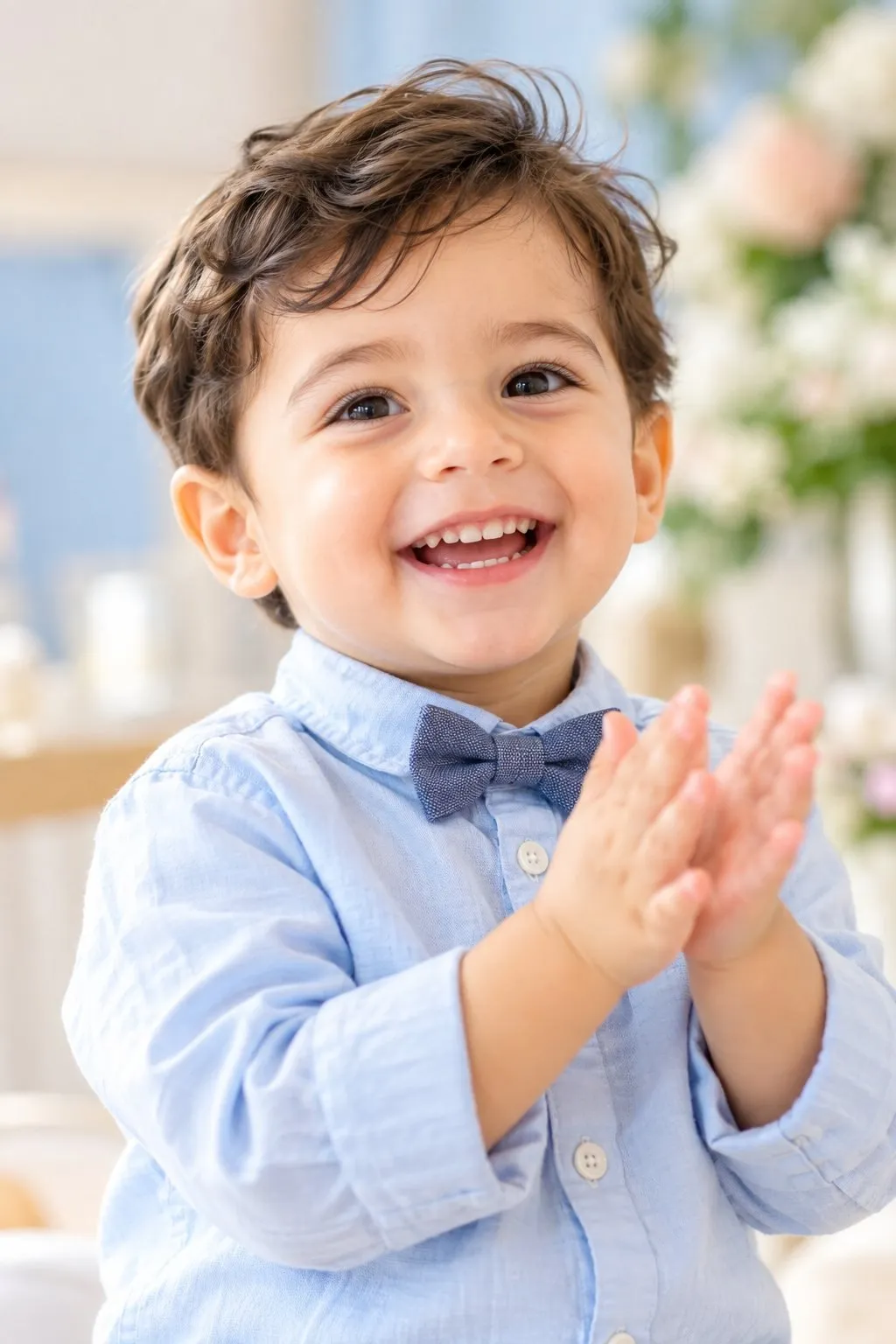
At a gender reveal party, prepare one baby girl portrait and one baby boy portrait. Put them in two envelopes and ask guests to vote on little cards. A small sign that reads "What will our baby look like?" invites everyone into the game right away.
Remember, the portraits do not reveal the baby's sex. Your doctor is the one who can tell you that. The portraits are simply part of the decoration and make a cute corner on the table.
An anniversary surprise
On your wedding or dating anniversary, you can prepare a small surprise for your partner. Slip the imagined baby portrait into a card and add a short note such as "Maybe one day...". It is a light and warm way to talk about your dream of starting a family.
Only do this if your partner has already agreed that their photo can be used this way. We cover consent in more detail below.
A keepsake for the family album
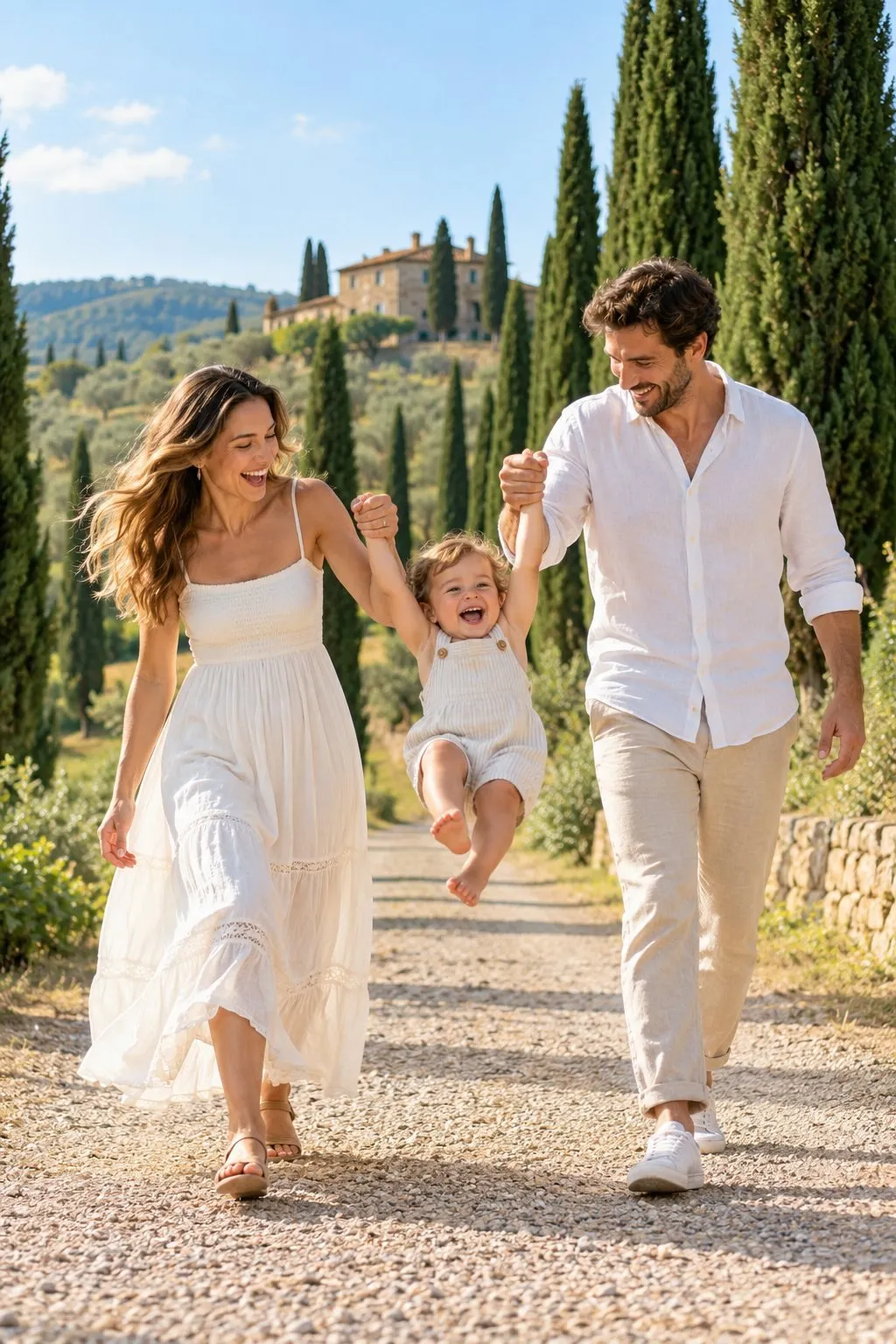
After your baby arrives, placing the imagined portrait next to a real photo is a lovely memory for many families. You can laugh together about which details matched and which did not match at all. If you are putting together an album with your wedding photos, our wedding album guide can help you plan it.
More small ideas
- Create a "future" folder that only the two of you look at, and open it together years later.
- Show it to the grandparents at a family dinner and start a fun debate about who the baby resembles.
- Use it for a little teasing during your engagement.
Our engagement ideas article has more playful activities for couples.
Privacy: your photos stay yours
Any AI baby generator works with faces, and face photos are personal data that deserve care. In Wedding Shot Studio, results are saved in your private album. Photos are stored privately and are never posted to a public gallery.
- You can download or share your results whenever you like.
- You can delete any image you do not want to keep.
- You can delete your account completely if you wish.
Be thoughtful when you share. Before posting an imagined baby on social media, mention that it is an AI image. That way nobody mistakes it for a real baby photo, and you avoid confusion.
Ethical, respectful use: both partners say yes
An AI baby generator like the baby studio works with two people's faces. So the most important rule is simple: never use it without the clear consent of both partners. The person whose photo you upload should know about it and happily agree.
- Do not use photos of an ex, a celebrity or a stranger.
- Do not use the result to embarrass anyone, to pressure a partner or to start an argument.
- Keep in mind that some couples struggle to have children, and share with sensitivity.
- Never present the image as a real child or as a forecast.
These rules do not take the fun away. They make the game safe. An experience that both partners enjoy with a smile leaves the best memories.
Enjoy the dreaming together
Only time will truly answer the question of what your baby will look like. Until then, the AI baby generator in Wedding Shot Studio turns that curiosity into a sweet game. Pick clear photos taken in good light, discover the result together and share it with care.
Curious about the wedding side of the app too? Browse the style gallery, then visit the Wedding Shot Studio home page to learn more.
Frequently asked questions
Can an AI baby generator predict what our baby will really look like?
No. The image is not a genetic or medical prediction. It is a playful, imagined portrait inspired by the parents' photos.
Which photos work best for an AI baby generator?
Clear, front facing, unfiltered portraits taken in natural light, with nothing covering the face. Avoid sunglasses, hats and blurry group shots.
Where are our photos stored?
Results are saved in your private album and stored privately. You can download, share or delete them at any time, and you can delete your account.
Can I use my partner's photo without telling them?
We do not recommend it. Use the baby studio only when both partners have clearly agreed.
Can we use the imagined baby at a gender reveal party?
Yes, as a fun game prop. Just remember that the portrait does not show the baby's sex or real appearance.
Try these ideas with your own photo.
Upload one portrait of the two of you and get your wedding album in about a minute.
 Scan to get the appPoint your phone's camera at the code.
Keep reading
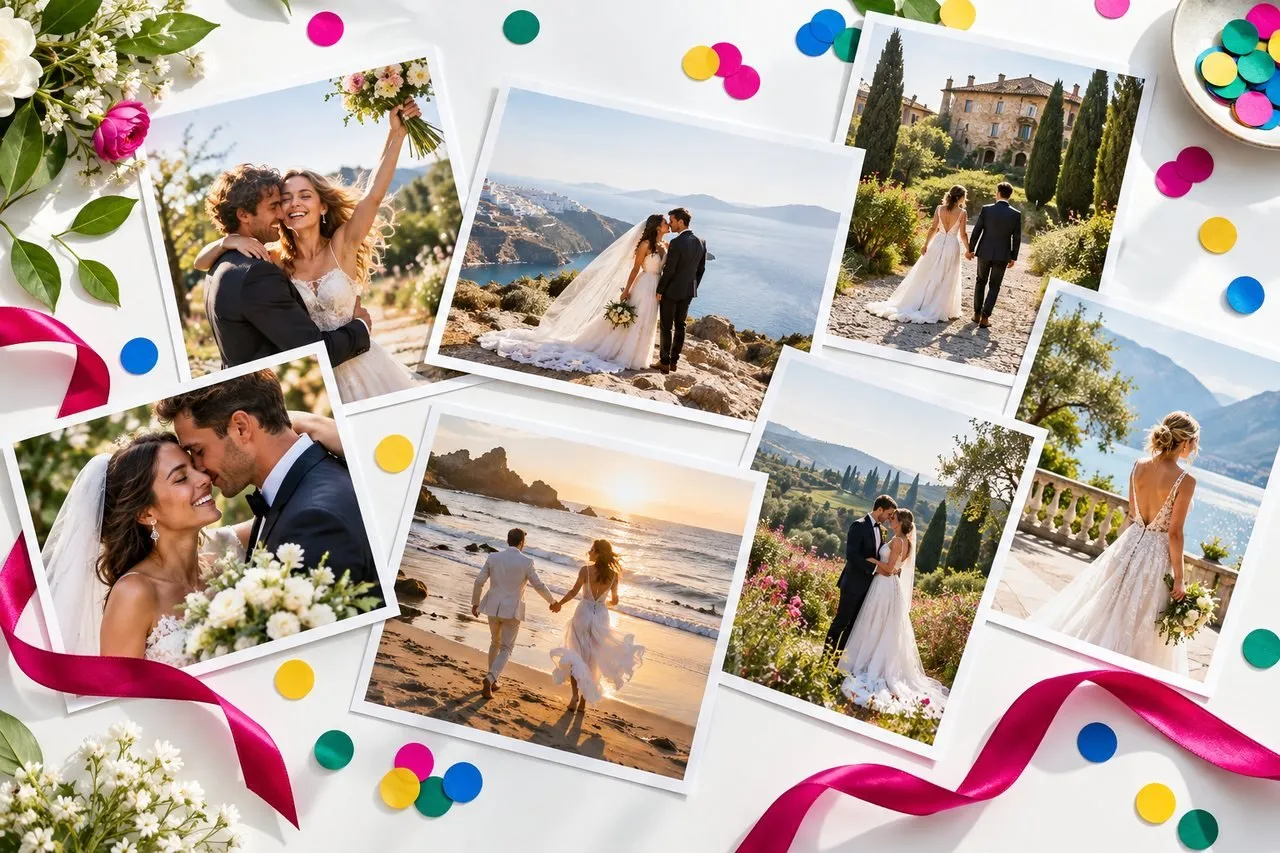
AI Wedding Photos: The Complete Guide to Realistic Results
How do AI wedding photos work, which photo should you upload, and how do you pick a style and destination? A practical guide to realistic results and privacy.

Santorini Wedding Photos: Best Spots, Light and Poses
The best spots in Oia, Fira and Imerovigli, the right hours for soft light, outfit colors that pop against white and blue, and easy poses for Santorini wedding photos.

Wedding Photo Locations: 12 Most Romantic Places on Earth
From Santorini to New York, the 12 most romantic wedding photo locations, with the best spot, light, season and outfit for each, plus a handy comparison table.